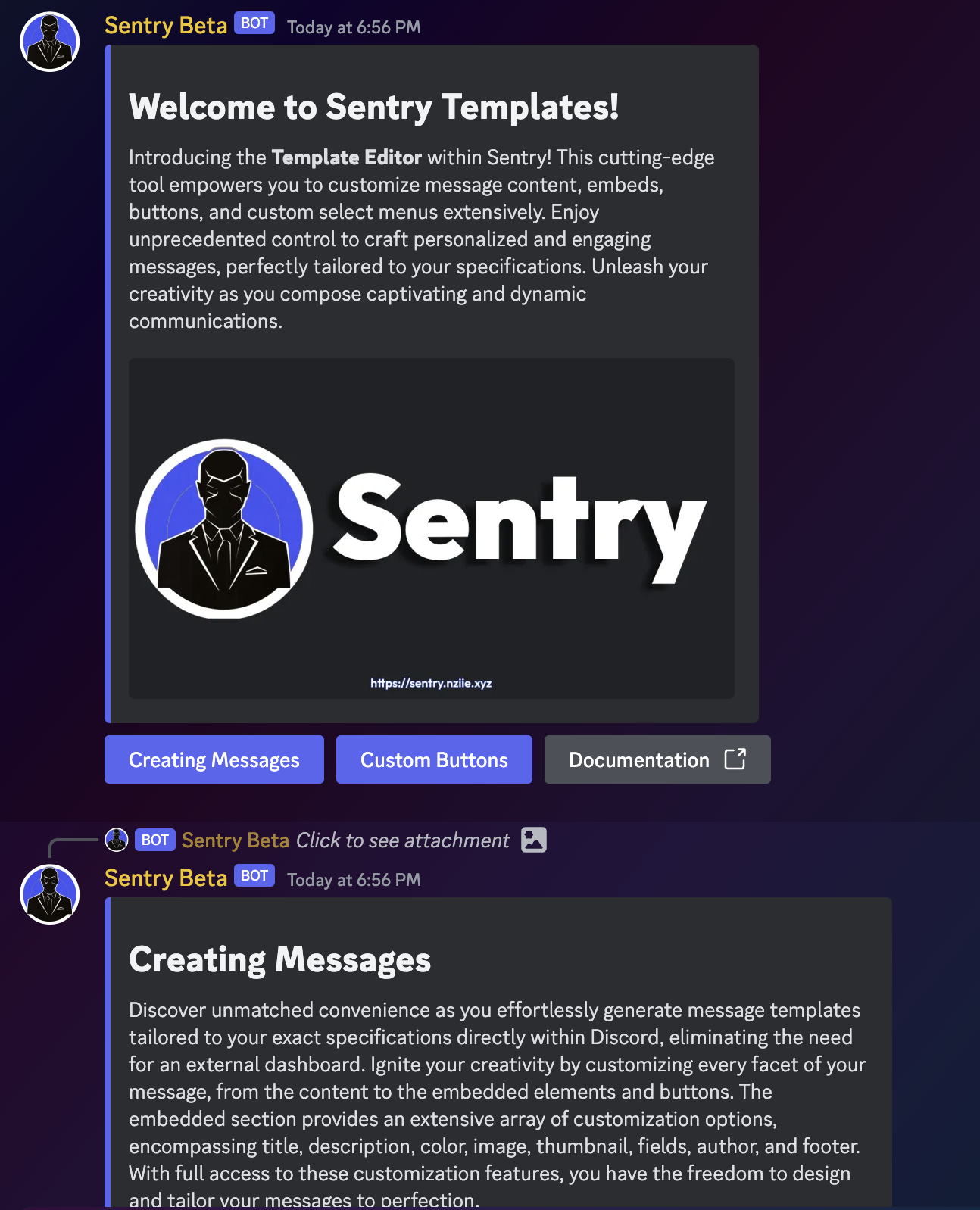
📋 Templates
What are templates?
PartnerPal's templates are essentially blueprints for the following components:
- Messages (complete with content and embeds)
- Buttons
- Menus/selects
The message templates play a crucial role in the system by facilitating the transmission of detailed messages across channels. These templates have the flexibility to incorporate buttons, embeds, and various other elements. Furthermore, the availability of an optional webhook offers enhanced versatility in message delivery.
Commands
| Name | Description | Example |
|---|---|---|
| Create a message template | ||
| Create a button template for a message | ||
| Edit a message template | - | |
| Edit a button template | - | |
| Delete a message template | - | |
| Delete a button template | - | |
| Webhooks: | Create a webhook to send templates with buttons | - |
| Sending: | Send a message template in a channel | - |
| Editing: | Edit a message (or bot webhook message) to update the template on that message | - |
| Create a custom menu for message templates | - | |
| Edit a custom menu template | - | |
| Delete a custom menu template | - |
Buttons
Buttons can be crafted with a label, color/style, unique ID, multiple actions, and an optional URL for link buttons. These buttons find a comfortable "home" when attached to message templates, forming what is known as the parent message of a button.
Actions
Actions are triggered by the button callback. Each button supports 3 actions (7 with premium). If you need to surpass the actions limit for a specific button without opting for premium, feel free to reach out to us in our support server. Follow the instructions provided in the channel to submit a request for expanding the limits.
Custom Menus
Start crafting custom menus by employing the command /templates menus add. These menus function like buttons, offering the flexibility to incorporate tailored actions. Message templates can even have 2 menus!
Self/Button Roles
You can employ buttons and the Toggle Role action to manage self roles. By default, the bot will relay information about the role granted or revoked. However, you have the flexibility to personalize this response by incorporating a send template response action within the button's actions.
Creating Verification
Yup! A simple verification system is achievable with the custom buttons on template messages. To do so, create a custom button with the Toggle Role action. The bot will toggle the role on the user when they click on the button. You can also add an action to send a template only they can see, known as a hidden/ephemeral message. That way, you can say the user was verified and provide any information they need to get started in your server.
If you do not provide a message to send after a role is added, removed, or toggled, the bot will display a message with what role was changed, removing the unresponded interaction instance.
Webhooks
You have the capability to utilize webhooks for further customization of message templates. The bot can dispatch messages with any webhook in the server, provided it has the Manage Webhooks permission.
Templates featuring buttons are restricted from being sent with webhooks unless the bot is the owner of the webhook. This is the reason why the
Example Images